Labeling images
An image carries its marking in its XMP metadata for tools, as Marking images describes. A person sees none of that. Where an image is a deep fake in the sense of the AI Act, whoever publishes it also has to tell the people who see it that it was generated or changed. The European Commission's Code of Practice on the transparency of content that AI generates describes the label for that: the capitalized acronym "AI" as its main element, on the image itself, visible the moment the image is.
<x-ai-content-marking::label> renders that label for a marking:
<x-ai-content-marking::label :marking="$product->photo_marking" />
<span class="ai-content-marking-label" role="img" aria-label="Created using Generative AI"><span class="ai-content-marking-label-acronym">AI</span> <span class="ai-content-marking-label-kind">generated</span></span>
Assistive technology reads the sentence of the notice as the label's name, here "Created using Generative AI", and the label renders for the same markings the notice does.
Beside the acronym
beside picks what stands next to "AI":
beside | Beside the acronym |
|---|---|
kind, the default | how generative AI was involved: "generated" or "modified" |
notice | the sentence of the notice, such as "Created using Generative AI" |
none | nothing |
The Code of Practice asks for the acronym and encourages saying whether the content was generated or modified, the two words its own icons carry. The package ships both in seven languages, and the acronym stays English in each of them, as the Code asks:
| Locale | Acronym | trainedAlgorithmicMedia | compositeWithTrainedAlgorithmicMedia |
|---|---|---|---|
en | AI | generated | modified |
de | AI | generiert | verändert |
es | AI | generado | modificado |
fr | AI | généré | modifié |
it | AI | generato | modificato |
nl | AI | gegenereerd | gewijzigd |
pt | AI | gerado | modificado |
Where a national law on the use of languages in commercial matters asks for the national acronym,
publish the translations and change label.acronym for that locale. The words beside it stand
under label.<term>.
The label comes without a stylesheet, like the notice. The samples on this page give it this one, which keeps it legible over any picture:
.photo {
  position: relative;
}

.photo .ai-content-marking-label {
  position: absolute;
  top: 10px;
  right: 10px;
}

.ai-content-marking-label {
  display: inline-flex;
  align-items: baseline;
  gap: 6px;
  padding: 4px 9px;
  border-radius: 6px;
  background: rgba(17, 17, 17, 0.82);
  color: #fff;
  font-size: 12px;
  font-weight: 600;
  line-height: 1.3;
}

.ai-content-marking-label-acronym {
  font-size: 14px;
  font-weight: 800;
}

.ai-content-marking-label-kind {
  text-transform: uppercase;
  letter-spacing: 0.04em;
}
When an image needs one
The duty falls on a deep fake: an image that resembles real persons, objects, places or events and would falsely appear authentic or truthful to the people who see it. The Commission's guidelines on Article 50 of July 2026 draw the line with examples. In our reading of them:
- A product photo a model made needs the label when it can mislead about the product as it really is: not identical to it, more appealing, or of better quality than in real life. The guidelines name exactly this case.
- A photo a model changed needs it when the change matters for whether the picture is authentic. The guidelines name substantial editing of journalistic images beyond standard editorial practice.
- A real product in front of a background a model made usually does not, as long as the picture does not mislead about the product. Background extensions, compositions of existing products and color correction in product advertising are listed as having only a minor impact.
- Minor technical edits usually do not, such as lighting and color correction, noise removal, removing a passerby from the background or cosmetic touch-ups, though the guidelines leave that to the context.
- Content that is evidently unrealistic does not either, such as a sphinx flying over the Eiffel Tower.
The XMP marking in the file does not count as the label: the guidelines state that people must perceive the disclosure without any tool.
A product photo a model made
A shop that shows a generated photo of a product labels it wherever the photo appears. The listing is often where people see a photo first, so the label goes on the tile as well as on the product page:
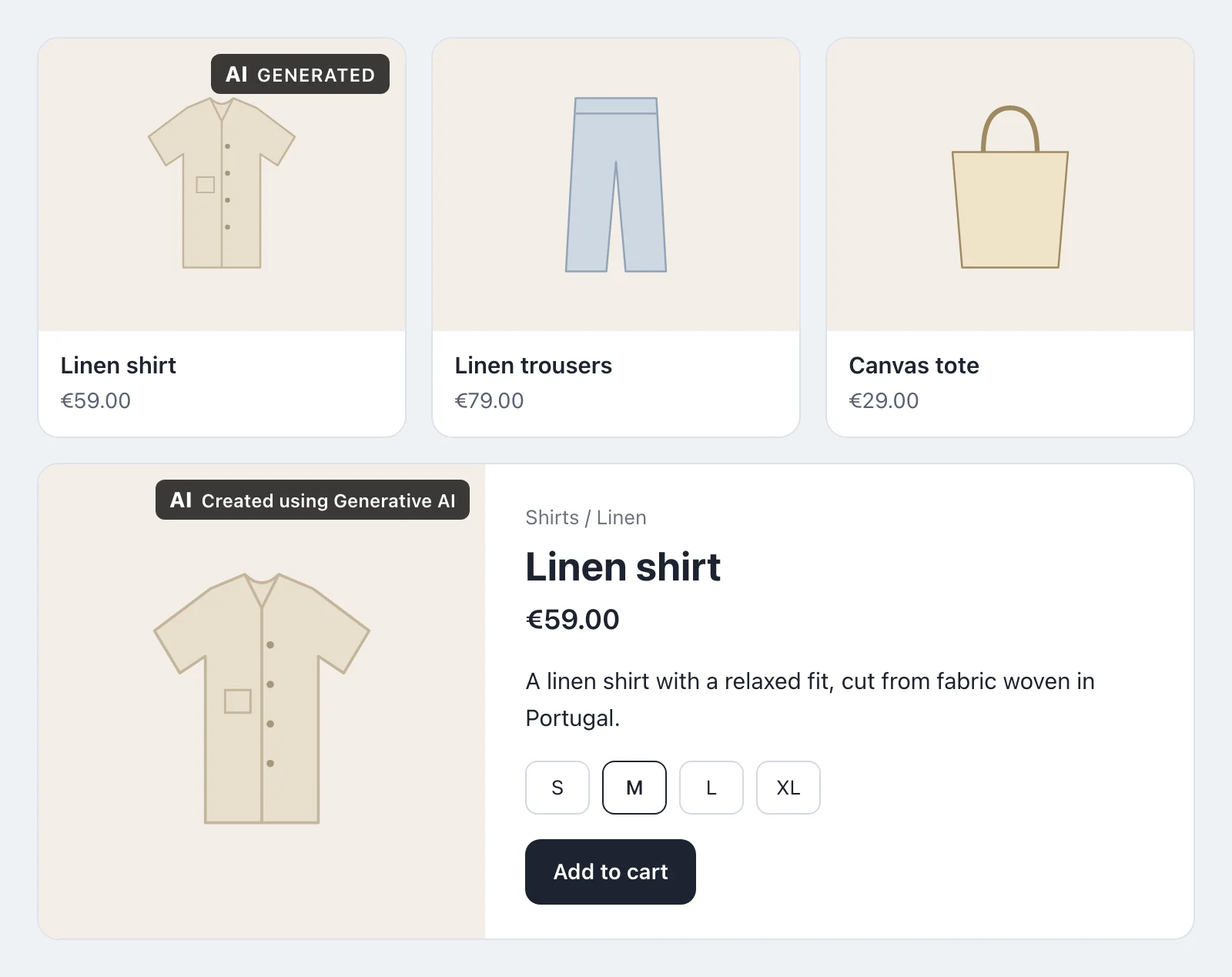
<div class="photo">
    <img src="{{ $product->photo_url }}" alt="{{ $product->name }}">
    <x-ai-content-marking::label :marking="$product->photo_marking" />
</div>
The product page of the sample puts the sentence of the notice beside the acronym, with
beside="notice". A gallery, a zoom view and the thumbnail in the cart show the same photo, and
each of them carries the label.
A lead image a model edited
A news page or a newsletter that opens with a marketing photo whose background a model extended
labels the photo as modified rather than generated. The marking of such a photo is
compositeWithTrainedAlgorithmicMedia, Marking::edited(). The caption can say what was changed,
which the Code of Practice encourages:
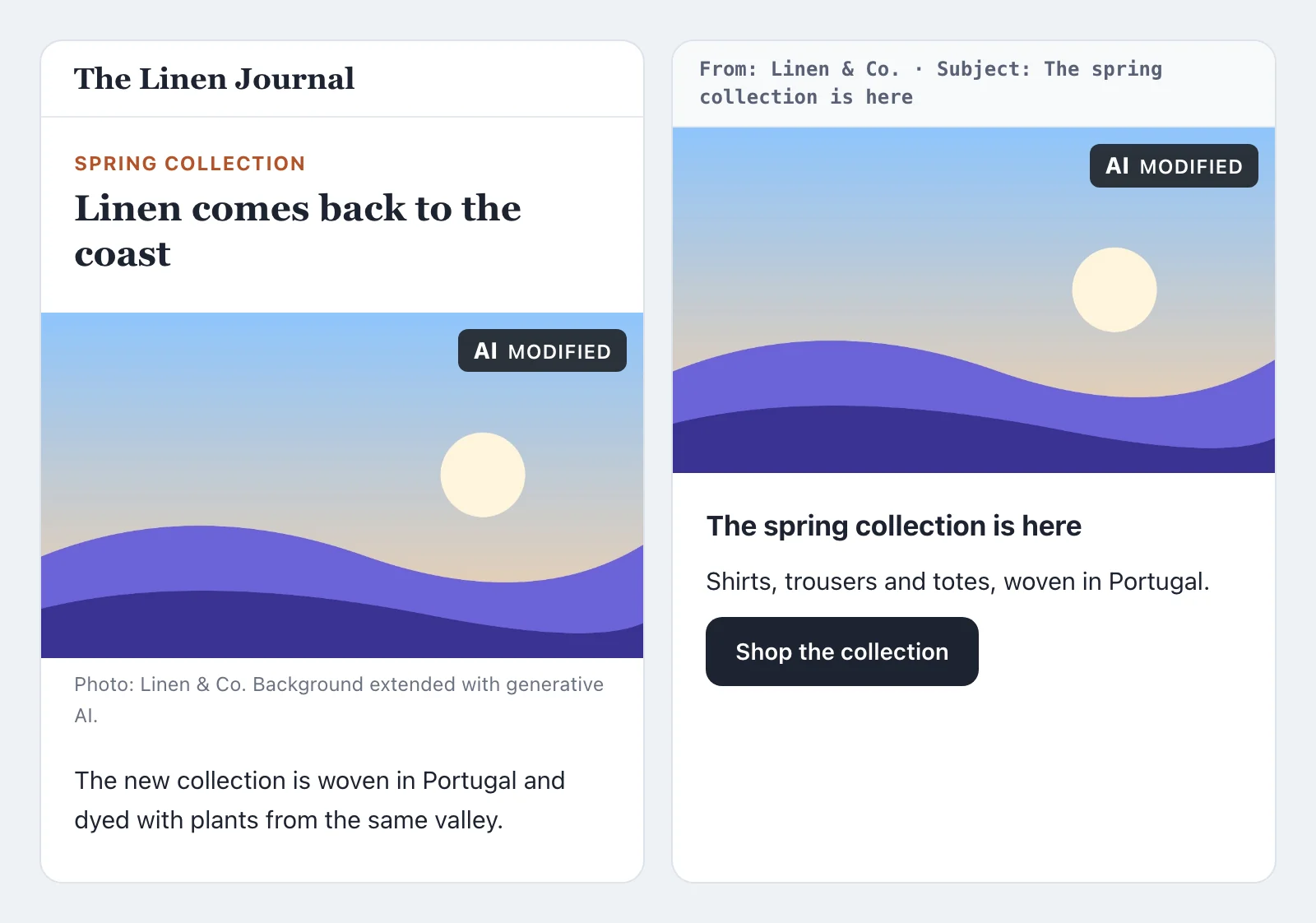
Mail clients cannot be relied on to keep an overlay where your stylesheet puts it, and several remove positioning altogether. A newsletter therefore carries the label inside the picture it sends: draw it into the image when you prepare the mail.
The label in the image
An overlay stays behind wherever the image goes on alone: in a mail, as a download, or passed on.
ImageLabeler draws the label into the image itself, and then writes the marking into the result
again, because drawing encodes the image anew:
use Pushery\AiContentMarking\Images\ImageLabeler;

app(ImageLabeler::class)->stamp($path, $marking);

// or with the bytes of an image
$labeled = app(ImageLabeler::class)->stamped($bytes, $marking);
It draws the smallest label the Code of Practice describes, the acronym "AI" on a dark backing in the top right corner, a twentieth of the width of the image high and never under 16 pixels, so it stays legible where a phone shows the picture smaller. The letters are drawn as strokes rather than set in a font, so the package ships no font, and they read "AI" in every language, as the Code asks of the acronym. An image whose source type the notice does not show gets the marking and no label, as the label component renders none for it. A JPEG, a PNG and a WebP keep their format.
The smallest label
The Code of Practice requires the acronym and leaves the words beside it to the publisher. In our reading, the smallest label that still meets the Code and the guidelines is the acronym alone, on the image, under these conditions:
- it sits on the image, in a corner no other overlay crowds, the top right one in the Code's example;
- it is legible at a glance at the size the image is shown, and against any part of the picture, which a solid backing gives it;
- it is visible without a click or a hover;
- it appears wherever the image does, the first view included;
- assistive technology can read it, which its name does.
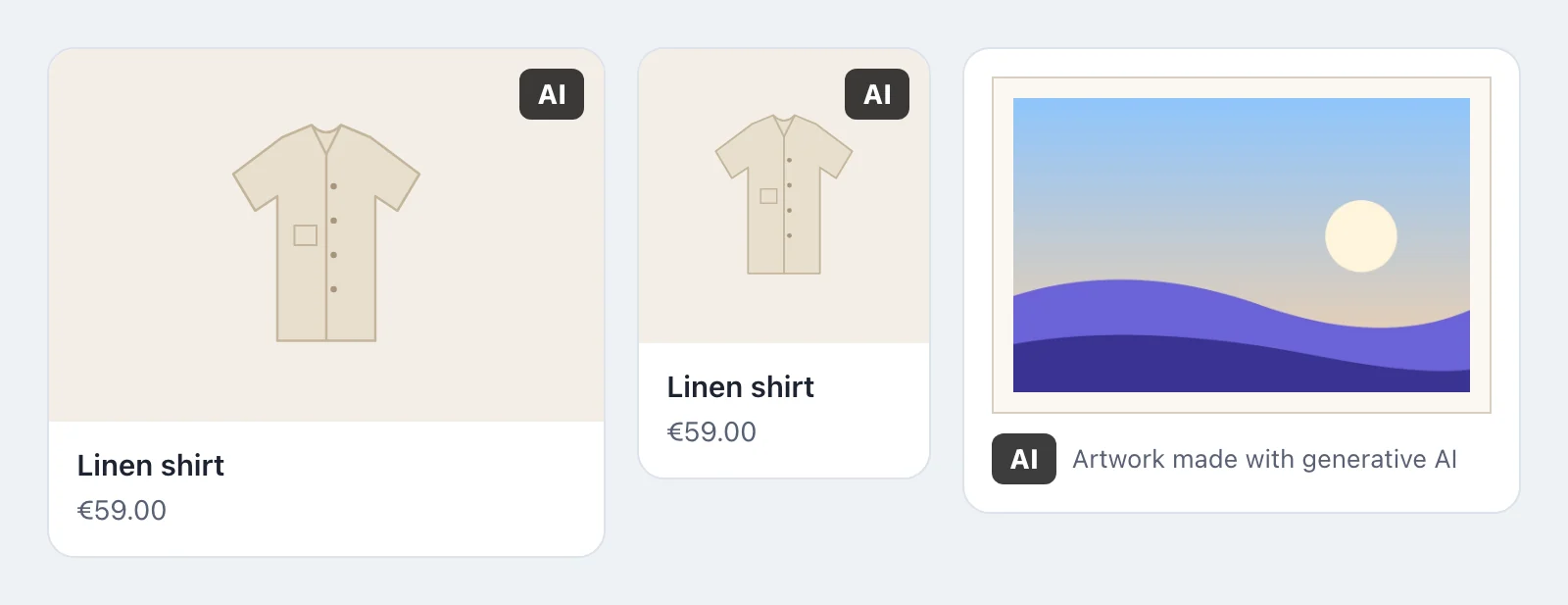
<x-ai-content-marking::label :marking="$product->photo_marking" beside="none" />
These do not count as the label, in the guidelines' own terms: a marking only in the file's metadata, a sentence only in the terms of use or a manual, and anything a person has to open or hover over to see. An alternative text alone is not visible at all.
An image that is part of an evidently artistic, creative, satirical or fictional work may carry the label beside its frame, in its description or in the credits, so that it does not spoil the work. That is the third sample. Advertising is such a work only in specific cases, the guidelines say, and content that is plainly commercial is not.
The European Commission also offers free icons of its own for the same purpose, linked from the Code of Practice. The label of this package follows the Code's design for an equivalent label, and its placement is yours.
This page gives our reading of Article 50 of the AI Act, the Commission's guidelines and the Code of Practice as they stand in November 2026. It is not legal advice, and What it does not do applies to the label as it does to the notice.